AMAZON FEE CALCULATOR | ESTIMATE AMAZON FEES, COSTS & NET PROFIT

Amazon FBA Revenue Calculator – Estimate Fees, Profit & Margin

Use our simple and easy revenue calculator to estimate Amazon fees, total costs, net profit, margins, ROI, and break-even prices for your Amazon business.

Enter Your Numbers

Tip: This calculator uses the values entered by the user. That keeps it flexible for different Amazon marketplaces and fee structures.

Results

Gross Revenue $0.00 Total sales before fees and costs
Total Amazon Fees $0.00 Referral fee + FBA fee
Total Costs $0.00 Amazon fees + all other entered costs
Net Profit $0.00 What remains after all costs
Profit Margin 0% Net profit divided by revenue
ROI 0% Net profit divided by total costs
Referral Fees $0.00
FBA Fulfillment Fees $0.00
Non-Amazon Costs $0.00
Profit Per Unit $0.00
Break-Even Price $0.00
bussiness

Our Innovative Free Fee Calculators for Freelancers

Square Free Calculator

Amazon FBA Revenue Calculator

Stripe Free Calculator

shopify fee calculator

etsy fee calculator

ebay fee calculator

Amazon Calculator Features

Amazon FBA Revenue Calculator Features That Make Profit Calculation Simple

Calculate Amazon FBA fees, referral costs, and net profit instantly — with a full breakdown of every cost layer so you price products, plan inventory, and scale with confidence.

Fee Breakdown

See every Amazon cost split clearly — referral fee, FBA fulfillment fee, and storage — calculated in real time with no manual formulas or guesswork.

Multi-Currency

Run calculations in USD, GBP, EUR, AED, and SAR. Built for sellers on Amazon USA, UK, Europe, and Gulf marketplaces — accurate fees for each.

Profit Calculator

Enter your selling price and costs, and get your exact net profit per unit instantly — so you know what you actually keep before you source a single product.

PPC Included

Factor in your ad spend per unit so your profit figure reflects reality — not just fees. Most FBA calculators skip this. This one doesn't.

ROI Tracker

Calculate your return on investment per product automatically. Know whether your margins justify scaling before you commit to bulk inventory.

FBM Comparison

Switch between FBA and FBM cost models to see which fulfilment method actually protects your margin for each product type.

Break-Even Price

Find the minimum price you need to charge to cover every cost and avoid a loss — critical for competitive repricing and launch pricing decisions.

Fast & Private

Runs entirely in your browser — no account needed, no data stored, loads instantly on WordPress, and works cleanly on mobile and desktop.

stripe processing fees

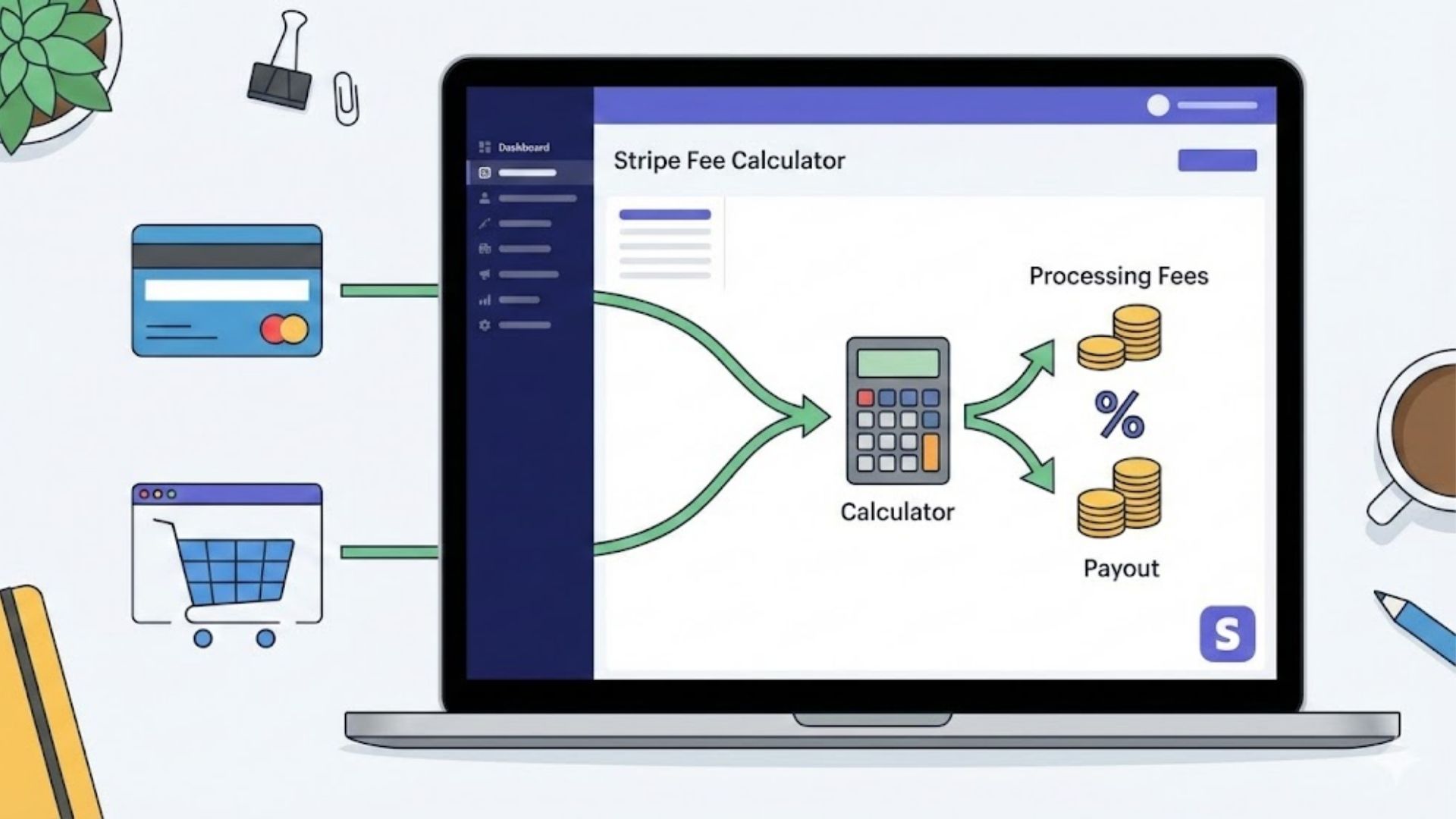
How to calculate Stripe fees?

Stripe fees can feel confusing because they’re usually a mix of a percentage + a fixed fee per transaction. That means even if your price looks fine on paper, your actual payout (net amount) can end up lower—especially on small payments, where the fixed fee takes a bigger bite.

Most people only look at the total charged and forget to account for fees when setting prices, sending invoices, or building subscription plans. The result: reduced profit, inconsistent pricing, and “Why did I receive less?” surprises in payouts. A simple fee breakdown keeps your pricing clean and predictable.

Enter the amount (what the customer pays or what you want to receive).
Add your Stripe fee rate (percentage + fixed) and choose your currency/preset if available.
Calculate to instantly see Stripe processing fees, total fee breakdown, and the net payout (or gross-up amount).
How to calculate Stripe fees - stripe payment calculator - stripe fees calculator - stripe transaction fee -

Amazon Revenue Calculator — See Your Real Profit Before You Source a Single Unit

Selling on Amazon looks profitable on the surface. You find a product, set a price, and do the math. Then the payout arrives and it’s $4 short per unit. Multiply that by 800 units and you’ve lost $3,200 you never saw coming.

That’s exactly what this Amazon FBA revenue calculator is built to prevent. Enter your selling price, product cost, FBA fees, and ad spend — and you get a complete picture of your net profit, margin, ROI, and break-even price before you commit to a single purchase order. No guesswork. No surprises on payout day.

Stripe's Standard Rate Is 2.9% + $0.30 — But That's Only for US Domestic Cards

The 2.9% + $0.30 rate applies to online card payments in the United States, processed in USD, from a US-issued card. The moment any one of those conditions changes, so does your fee.

Here’s what the base rate looks like across Stripe’s major markets:

CountryOnline Card RateFixed Fee
United States2.9%+ $0.30
United Kingdom1.5%+ £0.20
Eurozone1.5%+ €0.25
Australia1.75%+ A$0.30
Canada2.9%+ $0.30
Singapore3.4%+ S$0.50
India2.0%+ ₹2.00
Japan3.6%no fixed fee
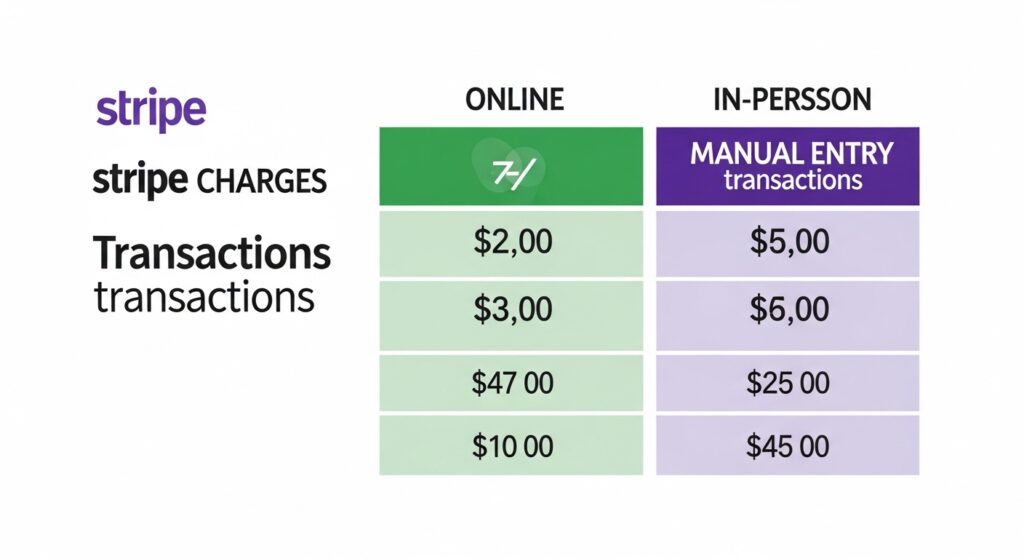
In-Person vs Online vs Manual Entry — Stripe Charges Differently for Each | stripe fee calculator

In-Person vs Online vs Manual Entry — Stripe Charges Differently for Each

  • Online (2.9% + $0.30)

    Standard checkout, Stripe Elements, Stripe Checkout. This is what most e-commerce businesses pay.

  • In-Person via Stripe Terminal (2.7% + $0.05)

    Slightly cheaper per transaction because card-present fraud risk is lower. Hardware costs extra: the basic Stripe Reader M2 runs $59, while the smart reader S700 is $349.

  • Manual card entry (3.4% + $0.30)

    The most expensive rate, applied when you type a card number manually or take phone orders. Stripe charges more because you have no physical proof the cardholder was present. Avoid this whenever possible.

How to Calculate What to Charge So You Net a Specific Amount

Most sellers set a price and then discover what they keep after fees. The smarter approach is working backwards — decide what you need to net, then calculate what to charge.

The formula: Charge = (Net amount + fixed fee) ÷ (1 − percentage rate)

For a US online payment where you want to net $100: Charge = ($100 + $0.30) ÷ (1 − 0.029) = $100.30 ÷ 0.971 = $103.30

At $103.30, Stripe takes $3.30 (2.9% + $0.30) and you receive exactly $100.00.

The “Find Breakeven” mode in the calculator above does this math automatically for every country and payment type.

People Also Ask About Stripe fee Calculator

Stripe takes $3.20 from a $100 online transaction in the US — that's 2.9% ($2.90) plus the fixed $0.30 fee. You receive $96.80. If the card is international, add another $1.50, bringing the fee to $4.70 and your payout down to $95.30.

Yes — and this surprises a lot of sellers. When you refund a customer, Stripe returns the 2.9% percentage portion but keeps the $0.30 fixed fee. So if you refund a $50 sale in full, you still lose $0.30 out of pocket on top of the $1.75 you already paid to process it.

You can't eliminate them, but you can offset them. The two legal routes are: add a surcharge at checkout so the customer covers the processing cost (permitted in most US states, prohibited in a few like Connecticut), or switch large B2B invoices to ACH bank transfer — Stripe's ACH rate is just 0.8%, capped at $5, versus $29.30 on a $1,000 card payment.

No. Stripe's base plan has zero monthly fees — you only pay when you process a transaction. The per-transaction fee is how Stripe makes money. Optional add-ons like Stripe Billing (subscriptions), Stripe Radar (fraud), and Stripe Terminal (in-person hardware) carry separate costs, but the core payment processing has no recurring charge.

Three reasons this happens: your customer used an international card (+1.5%), there was a currency conversion (+1%), or you're processing through Stripe Billing which adds 0.7% on top of the standard rate. Manual card entry also jumps to 3.4% + $0.30. Run any transaction through the calculator above to see the exact breakdown before it hits your account.

For online payments, they're identical — both charge 2.9% + $0.30 per transaction. Stripe pulls ahead for in-person payments (2.7% + $0.05 vs PayPal's 2.29% + $0.09 with a reader, though PayPal's hardware is less versatile). Where Stripe clearly wins is transparency — PayPal's international and currency conversion fees are harder to predict and often end up costing more for cross-border sellers.