stripe transaction fee (Net, Fees & Gross-Up) — Instant Stripe Processing Fee Breakdown

Stripe Fee Calculator - Know Exactly What You’ll Receive

Customer pays amount (gross).

Used only for formatting.

Tip Update fee values as per your Stripe pricing.
Fee settings
Customer pays
You receive
Stripe fee
Extra fee
Total fees
Effective fee rate
Totals for all transactions

Note: Stripe pricing can vary by country/card type. Update the fee settings to match your account.

Features

Stripe Fees Calculator Features That Make Pricing Simple

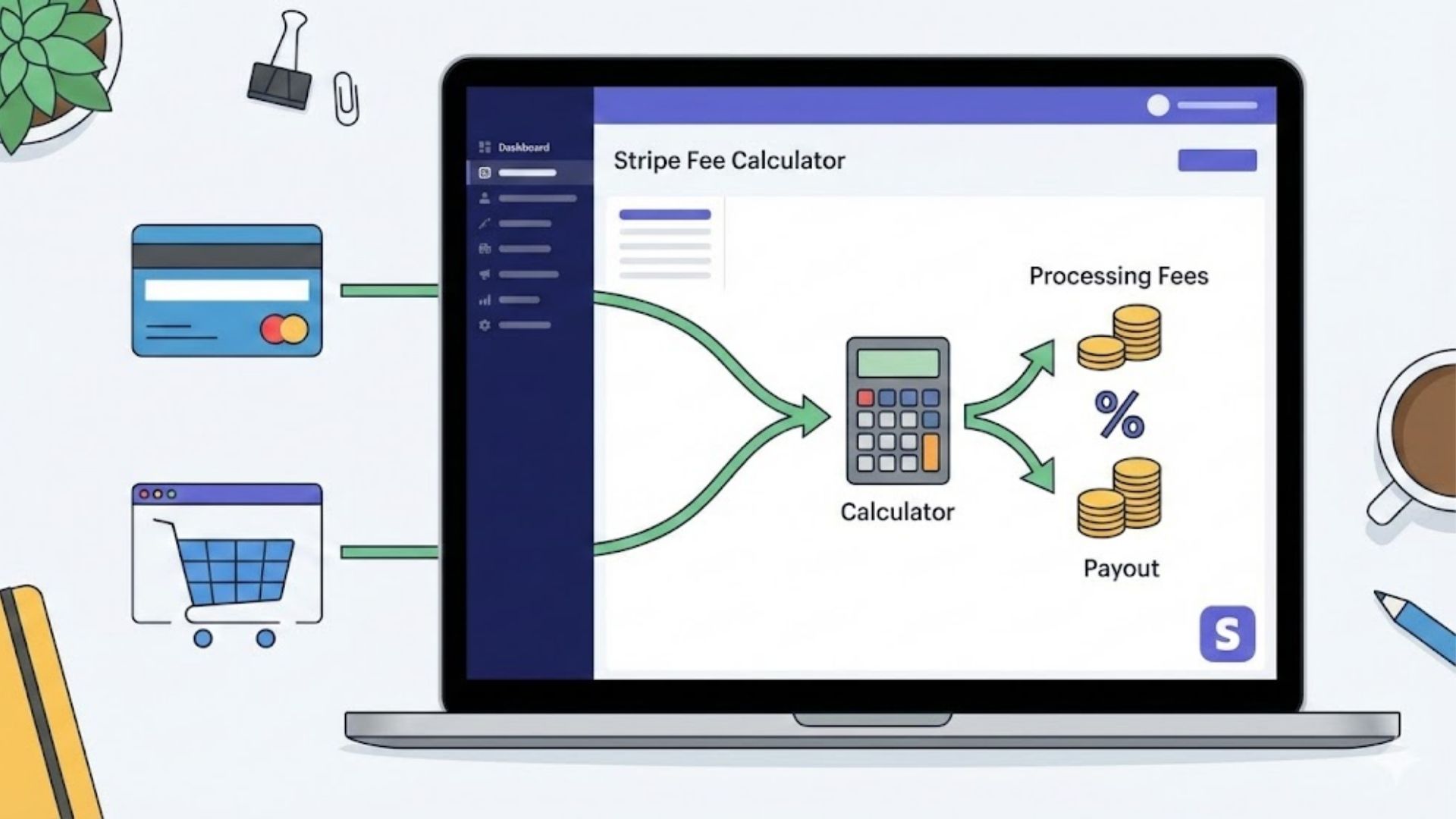
Calculate Stripe processing fees instantly with a clear breakdown of percentage + fixed fees, accurate net payout, and optional gross-up so you can price products, invoices, and subscriptions with confidence.

Instant Fee Breakdown

See the full Stripe payment fees split into percentage fee + fixed fee in real time—no manual formulas.

Bulk Calculation

Calculate fees for multiple transactions at once—great for estimating monthly revenue and total processing costs.

Net Payout Calculator

Enter what the customer pays and get the exact net amount you receive after Stripe fees—perfect for pricing and invoicing.

Subscription Scenarios

Estimate Stripe transaction fees for cards, subscription fees, and even ACH fees (where applicable) to compare costs.

Gross-Up Mode

Want to receive a specific amount? Use gross-up to calculate what the customer should pay so fees are covered.

Fees & Tax Options

Add optional extra % or fixed fees (service/platform fee) and include tax/VAT if you need a more realistic total.

Custom Rates

Quick presets for common regions (like Stripe fees calculator UK / USA / Euro) or set custom Stripe rates that match your account.

Fast & Private

Lightweight tool that runs in-browser—no data saved, loads fast on WordPress, and works smoothly on mobile + desktop.

stripe processing fees

How to calculate Stripe fees?

Stripe fees can feel confusing because they’re usually a mix of a percentage + a fixed fee per transaction. That means even if your price looks fine on paper, your actual payout (net amount) can end up lower—especially on small payments, where the fixed fee takes a bigger bite.

Most people only look at the total charged and forget to account for fees when setting prices, sending invoices, or building subscription plans. The result: reduced profit, inconsistent pricing, and “Why did I receive less?” surprises in payouts. A simple fee breakdown keeps your pricing clean and predictable.

Enter the amount (what the customer pays or what you want to receive).
Add your Stripe fee rate (percentage + fixed) and choose your currency/preset if available.
Calculate to instantly see Stripe processing fees, total fee breakdown, and the net payout (or gross-up amount).
How to calculate Stripe fees - stripe payment calculator - stripe fees calculator - stripe transaction fee -

How much are Stripe processing fees?

Stripe processing fees usually work as a percentage + a fixed fee per successful transaction, and the exact rate depends on your country/region, payment method (card vs ACH/bank debit), and whether the card is domestic or international. That’s why the same “Stripe fees calculator” result can change between UK, USA, EUR/Europe, Canada, Australia, India—your Stripe account pricing and payment mix matters.

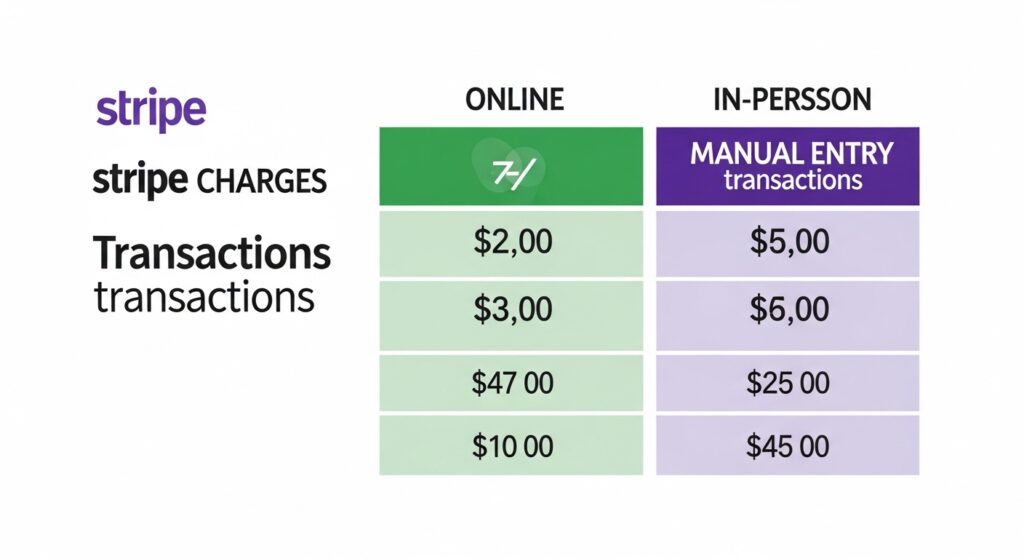
What many people miss (and what reduces your net payout) are the common add-ons: international card fees, currency conversion (FX) fees, and sometimes higher costs for manually entered payments. Plus, disputes/chargebacks can add separate dispute fees, and subscriptions/invoicing tools may have product-based charges on top of standard transaction fees—so the best way to estimate accurately is to calculate total fee breakdown + net amount you receive using your exact settings.